
In this guide
- If the language is unfamiliar, start with a short introduction
- If you already have a name, search directly
- Use the finder to narrow the catalogue
- Save a shortlist, then check the details
- Three useful routes through the site
- A search exercise using real product names
- What filters reveal and what they leave open
- Turn saved products into a useful shortlist
- Know when browsing should become a question
You do not need to understand every product in a catalogue to find your way around it. It helps to separate two jobs: learning the terminology and locating a particular listing. Give each job its own starting point.
If the language is unfamiliar, start with a short introduction
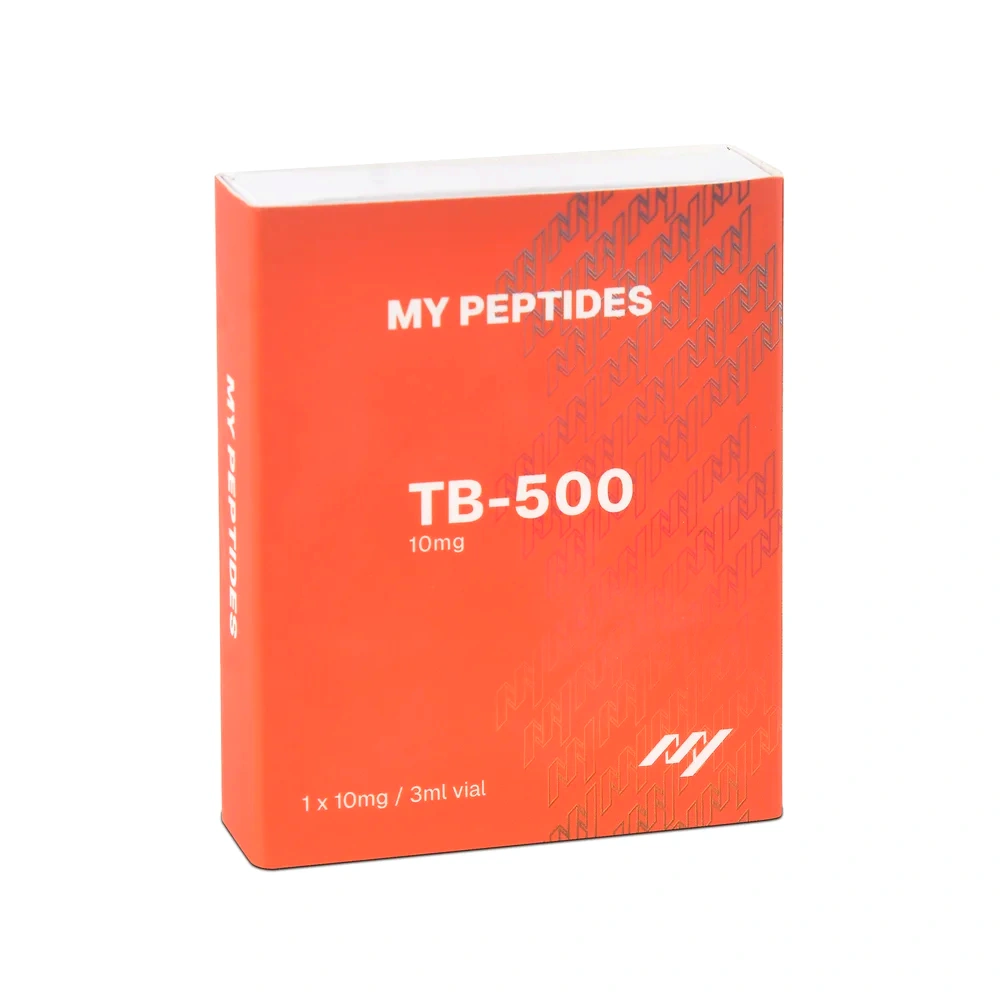
Read What are peptides? before working through individual product pages. Then use the listing guide to distinguish the name, format, amount and pack quantity.
You can return to these explanations as you browse. There is no need to memorise a list of abbreviations or infer a product’s purpose from its name.
If you already have a name, search directly
Enter the product name or catalogue reference into the shop search. Open the result and compare its full title with the reference you started with. If several entries appear, read their distinguishing details rather than selecting the first familiar-looking image.
Do not treat a partial text match as confirmation that two names mean the same thing. Where the terminology is unclear, ask the supplier for the exact identification used in the listing.
Use the finder to narrow the catalogue
The peptide finder helps organise browsing around catalogue attributes. Make a selection, inspect the results and change a filter when you want a wider view. The purpose is to find listings that match your chosen attributes.
A filter result is not a recommendation for a health condition, a personal-use goal or a treatment. It does not replace checking the product information and the documentation relevant to your research requirements.
Save a shortlist, then check the details
Use saved products to keep relevant listings together. Before comparing them, record the same fields for each: name, format, listed amount, pack count and selected price. Our comparison checklist gives you a consistent order to follow.
Three useful routes through the site
Choose a starting point that matches the information you already have. This makes browsing less overwhelming and helps avoid reading a result as a recommendation simply because it appears first.
- You have an exact name: use search, open the matching page and verify the full product identity.
- You have a catalogue attribute: use the finder or category navigation to narrow the range, then inspect each matching listing.
- You are learning the vocabulary: use the Journal first, then return to the catalogue with a clearer understanding of the fields.
These routes can be combined. You might start with a guide, search for a named example and then return to the guide to interpret its pack information. The goal is a clear path through the information, not a faster path to an unexamined purchase.
A search exercise using real product names
Try locating the BPC-157 listing. Read the exact title before inspecting the pack choices. Then open GHK-Cu Copper Peptide and notice how the page identifies another material. The exercise is about recognising the structure of the catalogue; it makes no claim that the products serve the same research purpose.
If a search produces no result, check your spelling and remove an unnecessary word before trying again. If you only know an informal name, ask for the supplier’s exact catalogue identity rather than choosing a vaguely similar result. Do not assume that a missing search result confirms whether a material is available elsewhere.
What filters reveal and what they leave open
A filter narrows a set of catalogue entries according to the attributes available to the site. A category groups entries; a format selection narrows presentation; a stock filter reflects recorded availability. None of those functions evaluates a research protocol or confirms that a product is appropriate for a particular experiment.
After filtering, open the full product page. Search cards are intentionally compact and cannot carry every detail. Check the current selection, the description and any relevant documentation before relying on the short summary.
If the result list feels too narrow, remove one filter at a time so you can see what changed. This is more informative than switching several options together and losing track of why a product appeared or disappeared.
Turn saved products into a useful shortlist
Save only the listings you can identify clearly. Alongside each one, keep a short note explaining why you saved it and which detail you still need to check. “Need to confirm the pack amount” is more useful than an unexplained bookmark.
When you revisit the shortlist, verify the current page. Saved items are a navigation aid, not a reservation of stock or a fixed quotation. If an option has changed, update the note before continuing your comparison.
Know when browsing should become a question
Search is useful for finding information that is present. It cannot resolve a missing batch reference, ambiguous pack description or disagreement between an image and text. Once you have identified such a gap, a precise enquiry is the appropriate next step.
Use our five-question guide to frame the enquiry, and keep the response with your product notes. This creates a straightforward record of what was known, what was unclear and how the uncertainty was addressed.
Will the finder tell me which peptide to use for a condition?
No. It is a catalogue filter, not a clinical or personal-use recommendation tool. This site supplies materials for laboratory research only.
Finally, return to each product page to verify its current information. If you cannot establish a detail that matters, pause that comparison and ask a specific question. A small, well-understood shortlist is more useful than a long list built on assumptions.